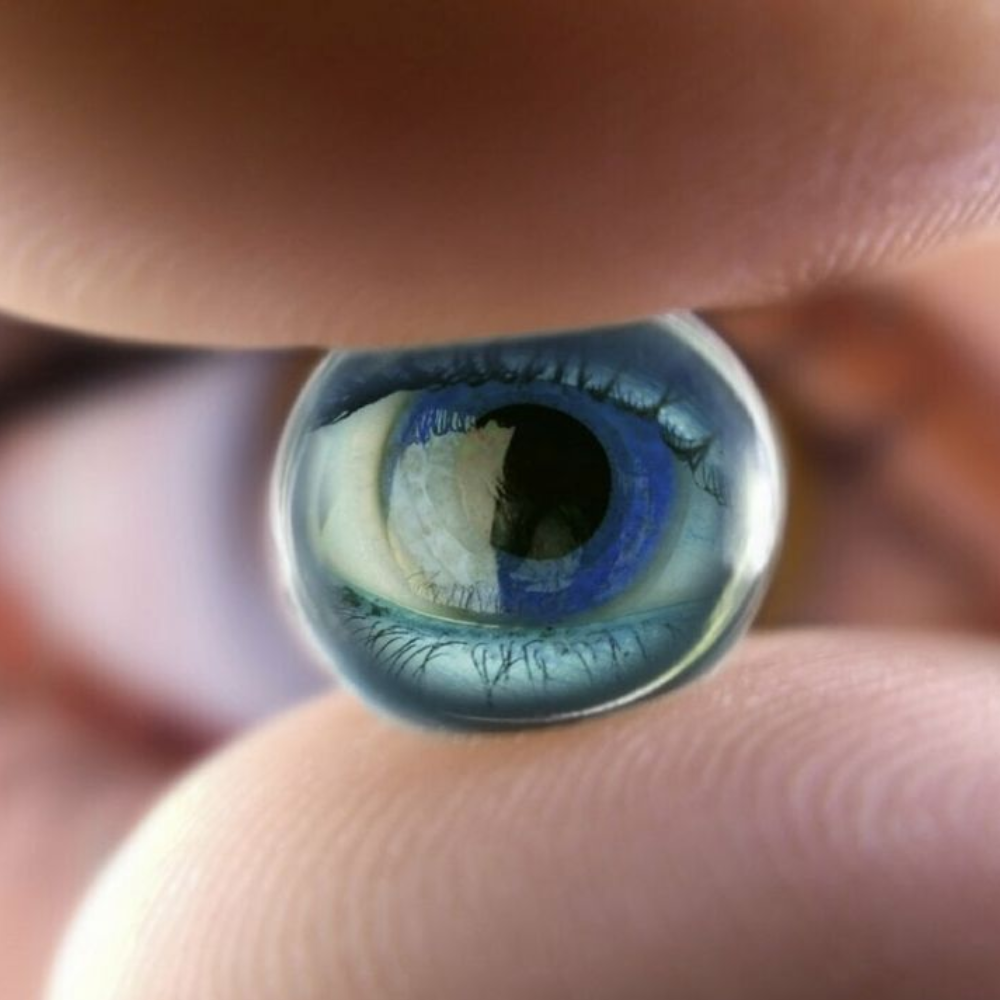
แสงสีฟ้าพลังงานสูง (High Energy Visible Blue Light: 415-455 นาโนเมตร) ที่ปล่อยออกมาจากจอภาพประเภท LED และ OLED มีคุณสมบัติในการกระจายตัวในเนื้อตาได้ง่าย ทำให้เกิด Visual Noise ซึ่งบีบให้กล้ามเนื้อตาต้องพยายามเพ่งภาพตลอดเวลา
ทำไมห้องมืดกับจอสว่างถึงเป็นศัตรูตัวร้าย?
ข้อผิดพลาดที่พบบ่อยที่สุดของฟรีแลนซ์และโปรแกรมเมอร์ คือการปิดไฟห้องแล้วนั่งทำงานกับหน้าจอคอมพิวเตอร์ที่สว่างจ้า ความต่างของคอนทราสต์ที่รุนแรงนี้ทำให้รูม่านตา (Pupil) ต้องขยายกว้างเพื่อรับแสงในห้อง แต่ขณะเดียวกันก็ต้องหดแคบเมื่อมองไปยังหน้าจอ ส่งผลให้ระบบประสาทตาม่านตาล้าอย่างรวดเร็ว
High Energy Visible (HEV) blue light (415-455 nm) emitted by modern LED displays scatters easily within ocular media, creating visual noise that forces continual micro-accommodation.
The Danger of Working in the Dark
Operating in a dim room with a bright monitor induces severe pupil dilation conflicts. The eye struggles between accommodating ambient darkness and monitor luminance, triggering acute ocular fatigue and headache.
สูตรการตั้งค่าหน้าจอที่ดีต่อสุขภาพสายตา
- ปรับอุณหภูมิสี (Color Temperature): ในช่วงกลางวันควรตั้งไว้ที่ 5,000-6,500K และหลัง 18:00 น. ควรลดลงเหลือ 3,000-3,500K (Warm Light / Night Shift)
- ใช้ไฟส่องหลังจอ (Bias Lighting): ติดตั้งหลอดไฟโทนอุ่นด้านหลังมอนิเตอร์เพื่อลดความเปรียบต่างระหว่างขอบจอกับผนังห้อง
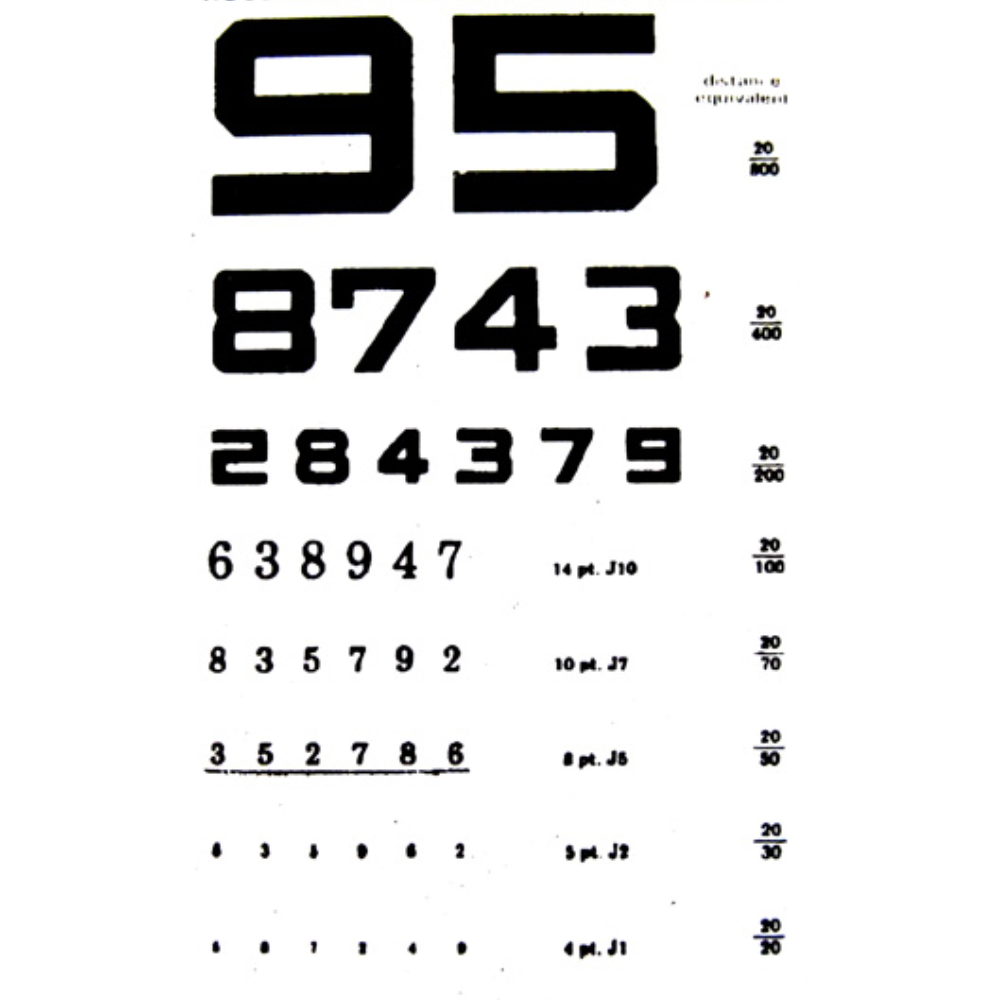
- ขนาดฟอนต์ 16px ขึ้นไป: อย่าพยายามเพ่งอ่านตัวหนังสือขนาดเล็กบนหน้าจอ 4K ขยาย Scale ให้สบายตาที่ 125-150%
Ergonomic Display Configuration Guidelines
- Color Temperature: 5,000-6,500K during daylight; warm down to 3,000-3,500K after sunset.
- Bias Lighting: Add a soft warm light behind your display to smooth luminance transition against the wall.
- Font Scaling: Avoid sub-14px micro-typography on high-DPI screens; scale UI to 125-150%.
สนใจตรวจวัดค่าสายตาและออกแบบแว่นตัดแสงสะท้อน? Need Anti-Glare Eyewear Tailored to You?
นัดหมายฟิตติ้งแว่นตากับ ธนวัฒน์ ประเสริฐกุล ที่สตูดิโอสุขุมวิท กรุงเทพฯ Schedule an optical fitting session at our Bangkok Sukhumvit studio.
ดูรายละเอียดการฟิตติ้งแว่น View Eyewear Service